External Drive vs SSD: What Is the Difference?

Choose an external SSD if you move large files often, run games from portable storage, or edit video and photos. Choose an external HDD if you want the lowest cost per terabyte for backups and archives. Pick the wrong one and you pay more than you need, wait longer on transfers, or end up with storage that cannot keep up with the job. This guide explains the speed, capacity, durability, price, and Windows compatibility differences that matter most.
| Decision factor | External drive | SSD | Winner |
|---|---|---|---|
| Transfer speed | Typically around 80–160 MB/s, with many external HDDs averaging about 100MB/s. | Typically 500MB/s or above, with much faster models on newer ports. | SSD |
| Cost per gigabyte | Cheaper per GB, with HDD storage able to run as low as three cents per gigabyte. | Costs more per GB. | External drive |
| Capacity ceiling | Usually offers larger maximum sizes, up to 20TB. | Usually smaller at the same price. | External drive |
| Portability and shock resistance | Heavier, noisier, and more sensitive to drops because of moving parts. | Smaller, lighter, quieter, and better at resisting shock. | SSD |
| Best fit for Windows tasks | Backups, archives, and large media libraries that do not need constant speed. | Game libraries, video editing, and frequent file transfers. | Depends on use case |
External drive vs SSD at a glance
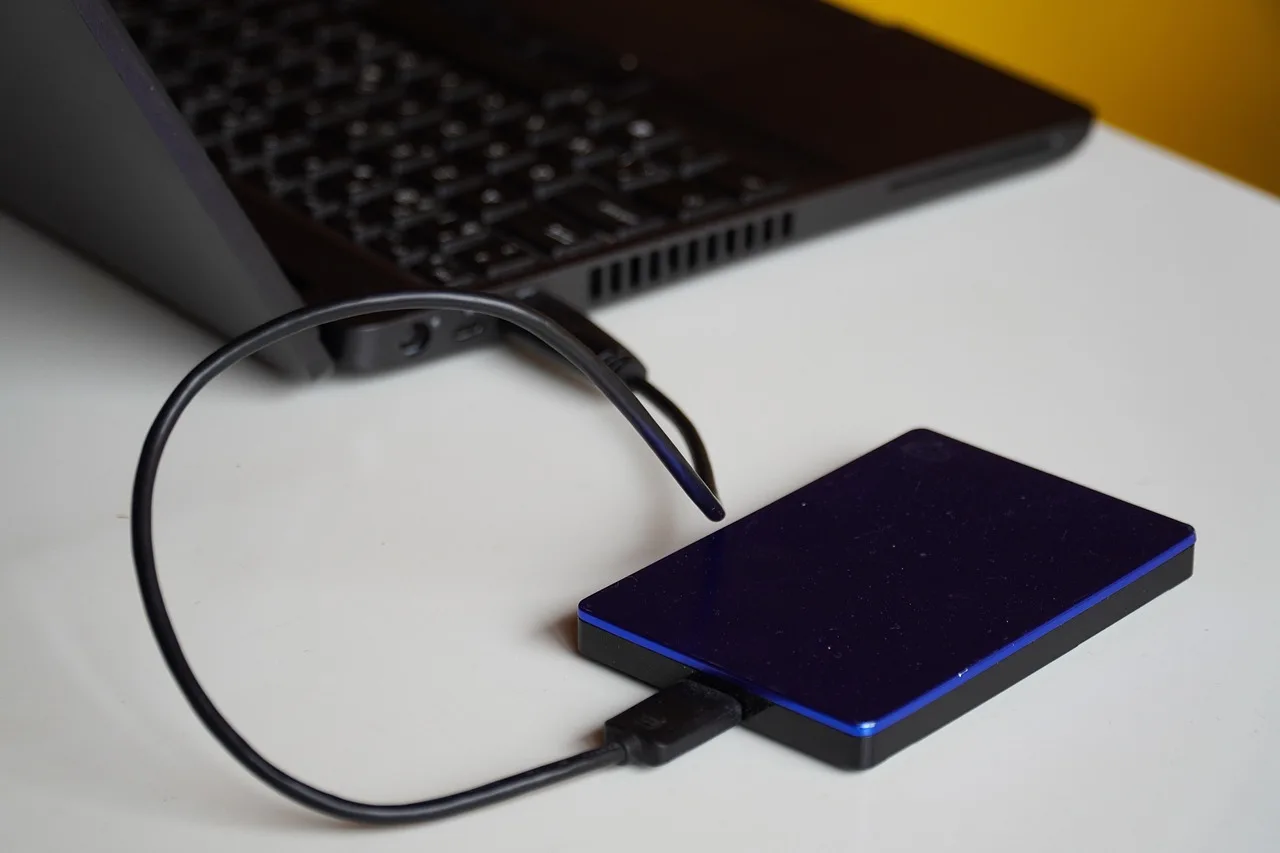
The practical difference is simple. An external drive here means an external HDD with spinning platters and a moving read/write head, while an SSD uses NAND flash with no moving parts. For Windows users, that usually means the SSD feels faster and is easier to carry, while the HDD costs less and stores more per dollar.
Transfer speed
External HDDs usually move data at a much slower pace than external SSDs, which is why large copies feel different in daily use. A video project folder, a new game install, or a batch of photo files finishes sooner on an SSD, especially when the drive and USB port can both keep up.
Capacity and cost
HDDs still win on price per gigabyte and on very large capacities. If you need multiple terabytes for backups or archives, the lower cost of a hard drive is often the deciding factor. SSDs cost more for the same space, so they make more sense when speed matters more than sheer size.
Durability and noise
SSD enclosures are usually smaller, quieter, and better at handling bumps because there are no spinning parts inside. HDDs are mechanical devices, so they are more sensitive to drops and tend to make more noise while running. That matters if the drive moves around in a backpack or sits near your desk.
What an external HDD
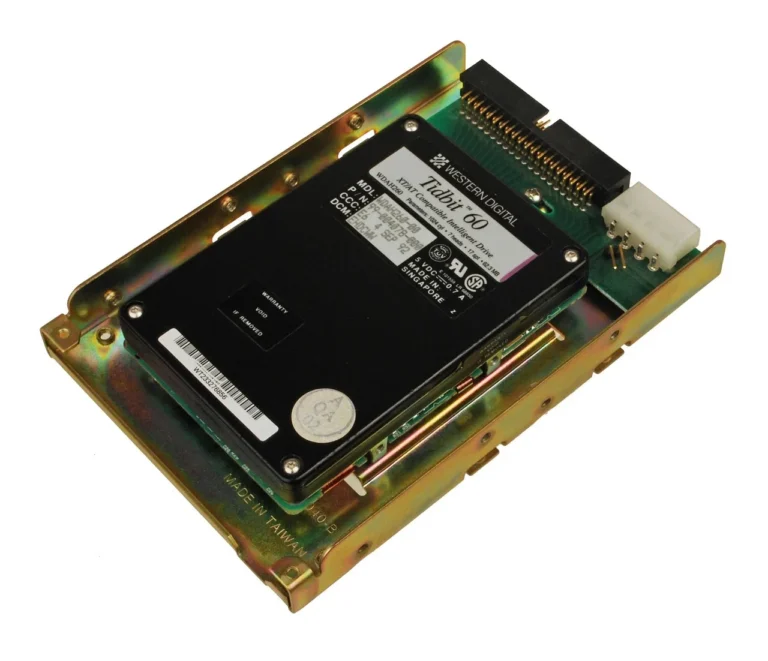
An external HDD is a hard disk drive in an enclosure, built around spinning platters and a moving read/write head. That mechanical design is the reason it is slower than an SSD, but it also keeps the cost per gigabyte low and makes large capacities practical for bulk storage.
Why HDDs still matter
HDDs remain useful when the main job is storing more data for less money. A backup drive for a Windows PC, a media archive, or an old photo library does not need SSD-level speed to do its job. In those cases, capacity and price matter more than quick launch times.
Where HDDs fit best
Common external HDD sizes use 2.5 inch or 3.5 inch forms, and many spin at about 5,400 to 7,200 RPM. That hardware is built for storage capacity rather than instant access, which is why HDDs are still the better pick for long-term bulk storage and large backups.
What an external SSD
An external SSD stores data on NAND flash, a solid-state, non-volatile memory medium. Because it has no moving parts, it can access data quickly, handle bumps better, and draw less power than a mechanical drive. That is why portable SSDs usually feel faster in ordinary Windows tasks.
Why no moving parts matter
No moving head means less wear from motion and less sensitivity to shock. An SSD is still electronic storage, not indestructible storage, but it is generally better suited to being carried around. That makes it a stronger match for laptops, frequent travel, and quick handoffs between PCs.
Why SSDs feel fast
External SSDs can easily hit 500MB/s or above, so the difference shows up when you copy large folders, open a game library, or work with media files. SLC, MLC, TLC, and QLC NAND are different cell types with different endurance and cost trade-offs, so SSD models are not all equal even when they share the same interface.
How much faster is an external SSD?
An external SSD is usually several times faster than an external HDD in everyday file transfers. External HDDs average about 100MB/s, while external SSDs can easily hit 500MB/s or above, so large copies and app loads usually finish much sooner on the SSD when the USB port does not slow it down.
USB ports can cap the gain
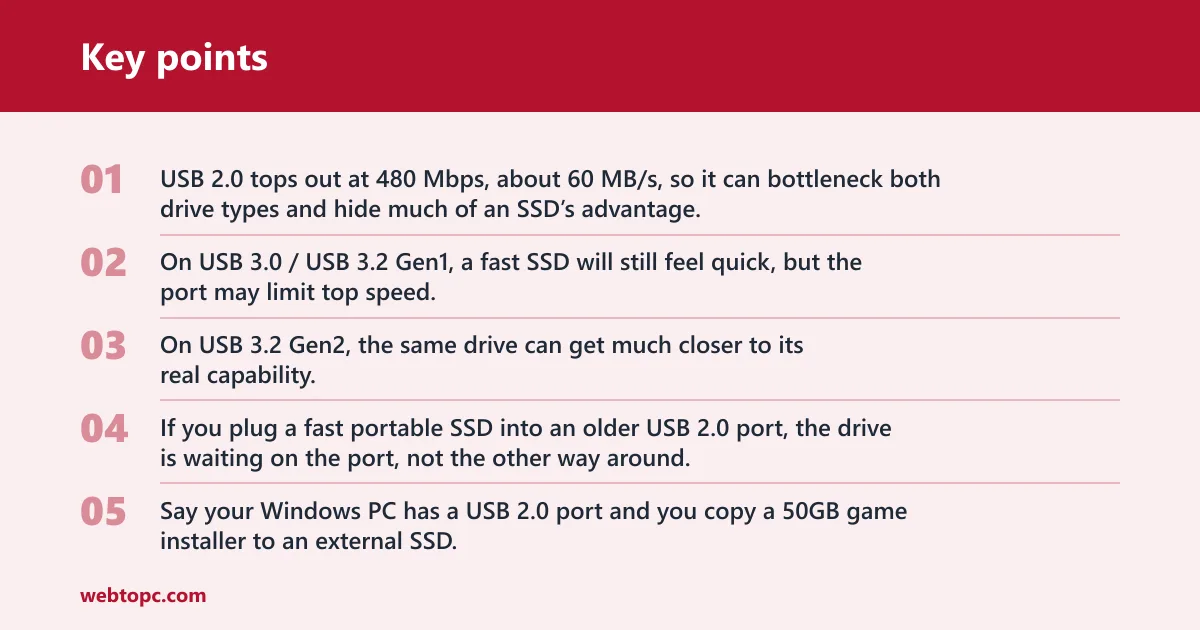
USB 2.0 tops out at 480 Mbps, about 60 MB/s, so it can bottleneck both drive types and hide much of an SSD’s advantage. USB 3.0 moves data up to 5 Gbps, USB 3.1 / USB 3.2 Gen2 reaches 10 Gbps, USB 3.2 Gen2x2 can reach 20 Gbps, and Thunderbolt 3 and Thunderbolt 4 provide up to 40 Gbps.
What that means in practice
On USB 3.0 / USB 3.2 Gen1, a fast SSD will still feel quick, but the port may limit top speed. On USB 3.2 Gen2, the same drive can get much closer to its real capability. If you plug a fast portable SSD into an older USB 2.0 port, the drive is waiting on the port, not the other way around.
Say your Windows PC has a USB 2.0 port and you copy a 50GB game installer to an external SSD. The drive can do much more than the port allows, so the transfer behaves like a much slower device. The bottleneck is the interface, not the SSD itself.
Is an external SSD more durable?
Yes. External SSDs are generally more durable than external HDDs because they use flash memory with no moving parts. That gives them better shock resistance, lower noise, and lower power use. An HDD can still work well, but its mechanical design makes it more vulnerable to drops and rough handling.
Noise, heat, and power
HDDs spin and move a head, so they make more noise and usually need more power than an SSD. SSDs run quietly and are easier to carry in a small enclosure. That difference matters if the drive is bus-powered from a laptop or if you want the quietest possible external storage.
Suppose you keep a 4TB backup drive in a backpack between office and home. An SSD is easier to carry and less exposed to shock, but an HDD may still be the better buy if the real goal is cheap capacity rather than speed. The durability edge belongs to the SSD; the budget edge belongs to the HDD.
External drive decision table
| Windows use case | External drive | SSD | Required USB port class | Expected real-world transfer behavior | Would SSD speed be wasted? |
|---|---|---|---|---|---|
| Backups | Best if you want the lowest cost for 2TB to 20TB of storage. | Only if backup windows must finish quickly. | USB 3.0 / USB 3.2 Gen1 or better; USB 2.0 is too slow for large backups. | HDD copies are slower but acceptable for scheduled backups. | Often yes, if the backup runs overnight. |
| Game libraries | Works, but load times are slower and large installs take longer. | Best choice for faster installs and shorter load times. | USB 3.2 Gen2 is a safer target; Thunderbolt helps top-end drives. | SSD reduces waiting during installs and level loads. | No, speed is usually useful here. |
| Video editing | Only for archive footage or finished projects. | Best for active project folders and media caches. | USB 3.2 Gen2 or faster; Thunderbolt 3 / 4 for high-bitrate work. | SSD helps scrubbing, cache access, and large file movement. | No, speed is usually valuable. |
| Photo archives | Good for large RAW libraries and cold storage. | Good for current shoots and active catalogs. | USB 3.0 / USB 3.2 Gen1 is usually enough for archive access. | HDD is fine for occasional browsing and backup copies. | Often yes for cold storage. |
| Moving files between PCs | Works if the files are large and speed is not urgent. | Best when you move folders often or want fast handoff. | USB 3.2 Gen2 or better to benefit from SSD speed. | SSD makes repeated transfers much faster and less tedious. | No, speed is usually useful. |
Choose External drive if… / Choose SSD if…
If you want the short version, use the decision below. It keeps the choice tied to the job, not the marketing label.
Check the job. If the drive is for backups, archives, or a large media library that changes slowly, start with the cheaper option. If the drive will hold games, edit caches, or active project folders, start with the faster one.
Check the port. If your PC has only USB 2.0, a fast SSD loses most of its advantage. If you have USB 3.0 / USB 3.2 Gen1, USB 3.2 Gen2, or Thunderbolt, the SSD can show its speed more clearly.
Check the capacity need. If you need many terabytes at the lowest price, choose the external drive. If you only need 1TB to 2TB and speed matters more than cost, choose the SSD.
Check the handling. If the drive will move around, ride in a bag, or travel with a laptop, the SSD is the safer pick. If it will stay on a desk for periodic backups, the HDD is usually fine.
Choose External drive if…
Choose External drive if you need the lowest cost per terabyte, the largest practical capacities, or a simple backup target for a Windows PC. It is the better fit for long-term archives, large media libraries, and any storage job where waiting a little longer does not matter.
Choose SSD if…
Choose SSD if you want faster transfers, better shock resistance, quieter operation, and a smaller drive that is easy to carry. It is the stronger pick for gaming, video editing, and repeated file moves between PCs, especially when the computer has a modern USB port.
Frequently asked questions
What is the difference between an external HDD and an external SSD?
An external HDD uses spinning platters and a moving read/write head, while an external SSD uses flash memory with no moving parts. The HDD is cheaper per gigabyte and usually larger, but the SSD is faster, quieter, smaller, and better for portable use.
Is an external SSD better than an external HDD?
An external SSD is better when speed, portability, and shock resistance matter. An external HDD is better when cost per terabyte and very large capacity matter more. For many Windows users, the “better” choice depends on whether the drive is for active work or passive storage.
How much faster is an external SSD than an external HDD?
External HDDs average about 100MB/s, while external SSDs can easily hit 500MB/s or above. In practice, that can mean much shorter waits for game installs, project copies, and file transfers. Older USB ports can reduce the difference, especially USB 2.0.
Why would I choose an external HDD instead of an SSD?
Choose an external HDD when you need cheap bulk storage, large backups, or a media archive that does not need fast access. HDD storage can run as low as three cents per gigabyte, which makes it attractive for multi-terabyte jobs that do not benefit much from SSD speed.
Are external SSDs more durable than external HDDs?
Yes. External SSDs are more durable in normal portable use because they have no moving parts, so they handle shock better and usually use less power. External HDDs are mechanical devices, so they are more sensitive to drops and wear over time.
Does USB speed limit external SSD performance?
Yes. USB 2.0 tops out at 480 Mbps, which can bottleneck even a modest SSD. USB 3.0, USB 3.1 / USB 3.2 Gen2, USB 3.2 Gen2x2, and Thunderbolt 3 / 4 raise the ceiling, but the port has to match the drive if you want the full benefit.